
How can I add a little bio for each user? :
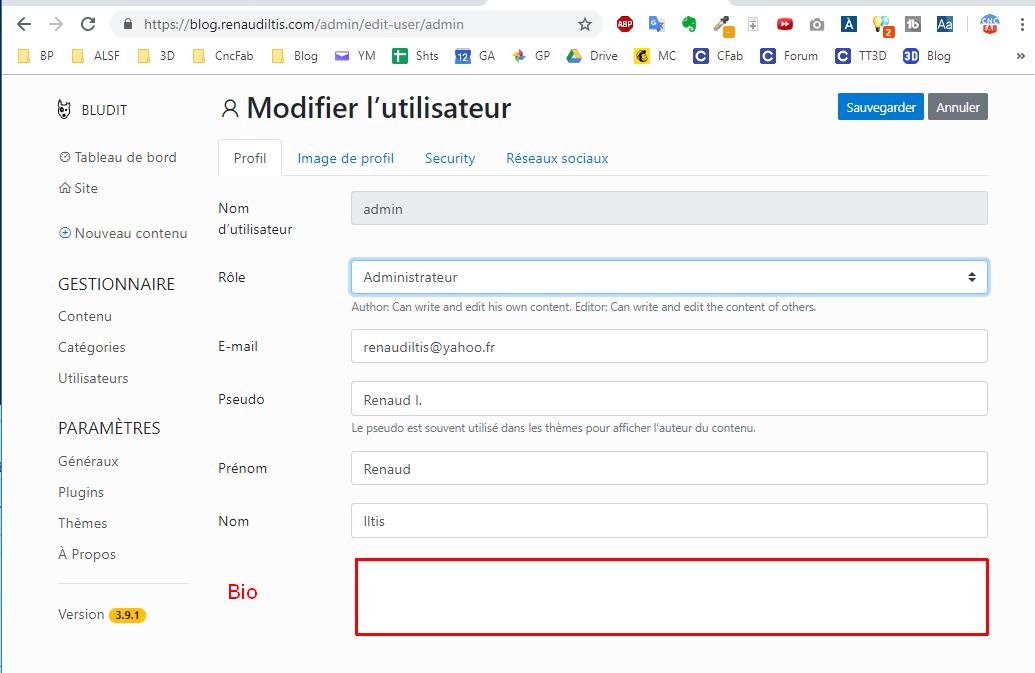
It it diffucult to code? I can try to do it muself if you just tell me where is the code.
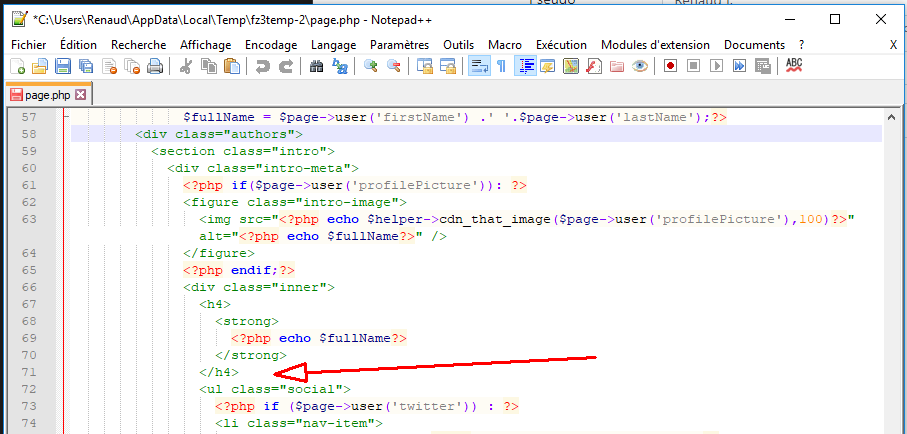
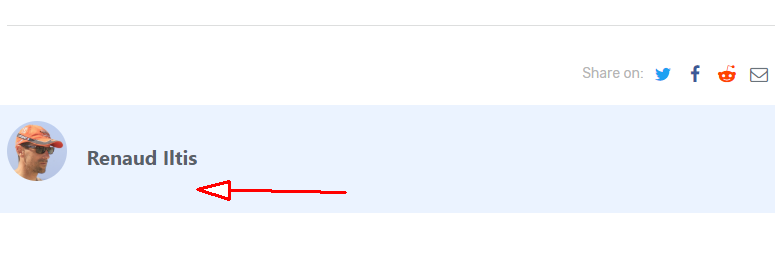
It's to add here :
Thanks


Code: Select all
<?php echo $page->user('firstName'); ?>Nice workaround, I like it! I will try to find a nice design with it.Jay wrote: Wed Jun 12, 2019 4:28 pm tldr; use firstName field for a short description, and then just show field's content in theme using below snippet:Code: Select all
<?php echo $page->user('firstName'); ?>

Code: Select all
public function bio()
	{
		return $this->getValue('bio');
	}
Code: Select all
$tmp['bio'] = $this->bio();Code: Select all
protected $dbFields = array(
	'firstName'=>'',
	'lastName'=>'',
	...
	...
	...
	'bio' =>''
);
Code: Select all
<!-- TABS -->
<nav class="mb-3">
<div class="nav nav-tabs" id="nav-tab" role="tablist">
	<a class="nav-item nav-link active" id="nav-profile-tab" data-toggle="tab" href="#profile" role="tab" aria-controls="nav-profile" aria-selected="false"><?php $L->p('Profile') ?></a>
	<a class="nav-item nav-link" id="nav-picture-tab" data-toggle="tab" href="#picture" role="tab" aria-controls="nav-picture" aria-selected="false"><?php $L->p('Profile picture') ?></a>
	...
	...
	...
	<a class="nav-item nav-link" id="nav-social-tab" data-toggle="tab" href="#bio" role="tab" aria-controls="nav-bio" aria-selected="false"><?php echo "Bio" ?></a>
</div>
</nav>Code: Select all
<!-- Social Bio tab -->
<div class="tab-pane fade" id="bio" role="tabpanel" aria-labelledby="nav-bio-tab">
<?php
echo Bootstrap::formTextarea(array(
'name' => 'bio',
'label' => 'Bio',
'value' => $user->bio(),
'class' => '',
'placeholder' => 'Fill in some information about you',
'tip' => '',
'rows' => 10
));
?>
</div>Code: Select all
$allUsers = $users->keys();
foreach ($allUsers as $username) {
$user = new User($username);
if ($user->enabled()) {
echo '<p>'. $user->bio() . '</p>';
}
}
echo '</div>';Code: Select all
<?php $L->p('bio') ?>Bludit is a lightweight Content Management System (CMS), it's completely free and open source.
Latest stable release: Bludit v3.22.0 (BrownBear), 10.5.2026
Download

Become a patron of Bludit and get Bludit Pro!
Official website - Offizielle Website - Sitio web oficial
Documentation - Themes - Plugins
Community chat: Discord
Development: GitHub
Bludit CMS em Língua Portuguesa
Documentação e repositório para o Bludit.
Tipps zur Verwendung von Bludit
Hinweise auf Deutsch.